Creating a home workspace that fosters both relaxation and productivity is essential for anyone balancing work and life under the same roof. Whether you work full-time from home or occasionally tackle tasks remotely, an inviting and efficient workspace can make a big difference in how focused and comfortable you feel. Here are some top tips to help you design a home workspace that supports both your well-being and your work goals.
Choose the Right Location
Finding the perfect spot in your home is the first step. Ideally, select an area that is quiet, has good natural light, and is free from distractions. This might be a spare bedroom, a corner in the living room, or even a nook in your bedroom. The key is to make this space dedicated to work, helping your mind shift into “work mode” when you’re there.
Consider Privacy and Noise
If you live with others, try to choose a spot where you can minimize interruptions. Using noise-cancelling headphones or adding soft furnishings like rugs and curtains can help absorb sound and create a more peaceful environment.
Invest in a Comfortable Chair and Desk
Spending hours at a workstation requires furniture that supports good posture and comfort. An ergonomic chair with adjustable height and lumbar support can prevent back pain and fatigue. Pair it with a desk that suits your work style—whether it’s a traditional desk, a standing desk, or even a convertible option to switch between sitting and standing.
Layout and Space
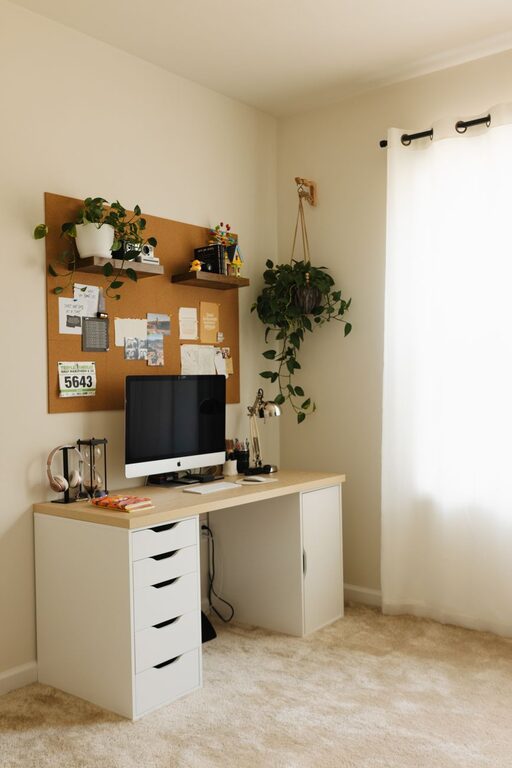
Ensure your desk has enough space for your computer, notebooks, and any other tools you use frequently. Having a clutter-free surface helps keep your mind clear and focused.
Optimize Lighting
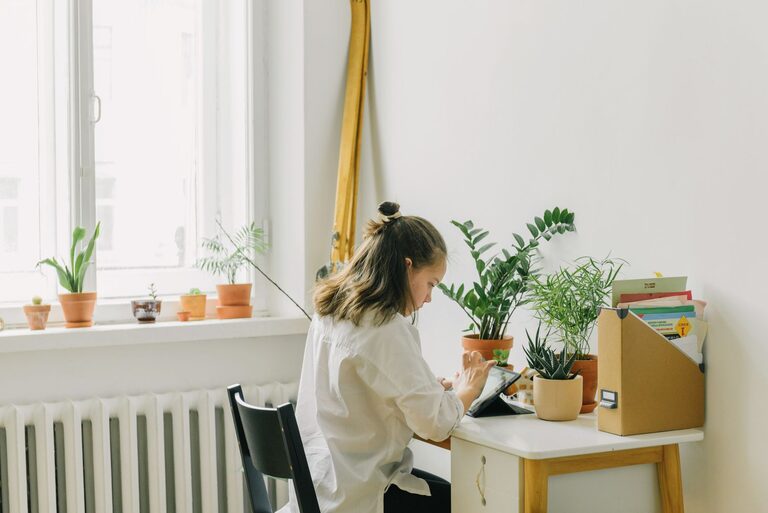
Lighting impacts both your mood and your ability to work efficiently. Position your desk near a window to take advantage of natural daylight, which can boost energy and reduce eye strain.
Add Task Lighting
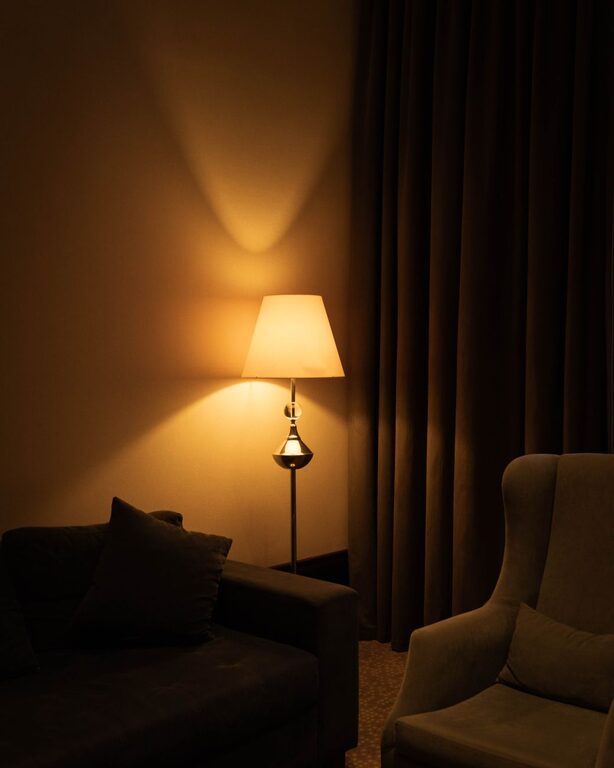
For darker hours or cloudy days, use adjustable desk lamps with warm light. Avoid harsh overhead lights that can cause glare on screens or create uncomfortable shadows.
Incorporate Inspiring and Calming Elements
Personalizing your workspace with items that inspire and calm you makes the environment more enjoyable.
Plants
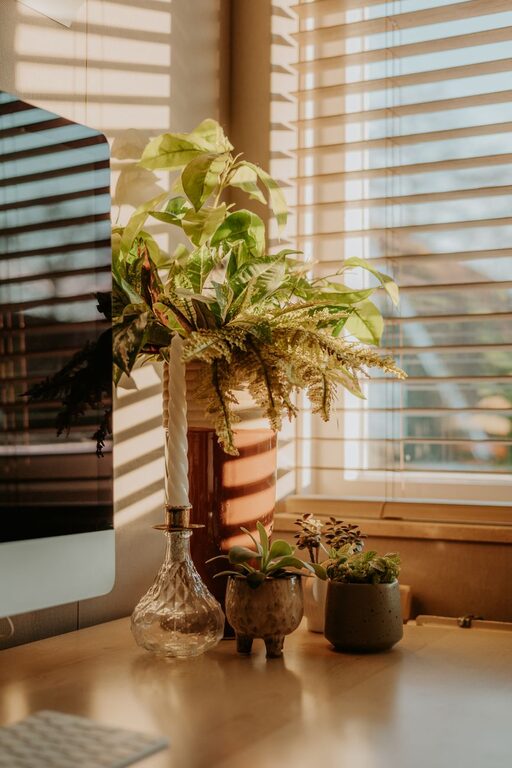
Adding greenery can improve air quality and create a touch of nature, which is known to reduce stress.
Artwork and Colors
Choose colors and artwork that make you feel relaxed but energized. Soft blues and greens are calming, while brighter accents can add an energetic touch without being overwhelming.
Organize Efficiently
An organized space promotes productivity and reduces the time spent searching for supplies. Use shelves, filing cabinets, or desk organizers to keep everything in its place.
Cable Management
Tidy up cables and cords with clips or cable sleeves to avoid a messy look and potential hazards.
Digital Organization
Beyond the physical space, keep your digital files organized with clear folder structures. This helps streamline your workflow and reduces frustration.
Limit Distractions
Set boundaries for yourself and others. Consider establishing “work hours” where you focus solely on tasks, and communicate this schedule with family or housemates.
Minimize Phone Notifications
Turn off non-essential notifications or use “Do Not Disturb” modes to keep time focused.
Create a Routine
Start your day at your workspace in a way that signals the beginning of work. This can be as simple as making a cup of coffee, tidying your desk, or spending a few minutes planning your day.
Take Breaks
Regular breaks are vital for maintaining focus and reducing stress. Step away from your desk every hour to stretch, hydrate, or take a short walk.
Personal Comfort
Don’t forget about your physical comfort. Keep a water bottle nearby and ensure the room temperature is comfortable. Adding a cozy blanket or cushion can also make a difference, especially during long work sessions.
Use Technology Wisely
Choose tools and apps that enhance productivity without overwhelming you. For example, use a reliable calendar app, task manager, or time-tracking tool to stay organized.
Keep Screen Time in Check
Use blue light filters or screen protectors to reduce eye strain during long hours on the computer.
Final Thoughts
Designing a home workspace that balances relaxation with productivity is about understanding your needs and making intentional choices. By carefully selecting your space, investing in comfort, managing clutter, and setting boundaries, you can create an environment that helps you thrive professionally and personally. Remember, a well-designed workspace is an investment in your work satisfaction and overall well-being.
About the Author